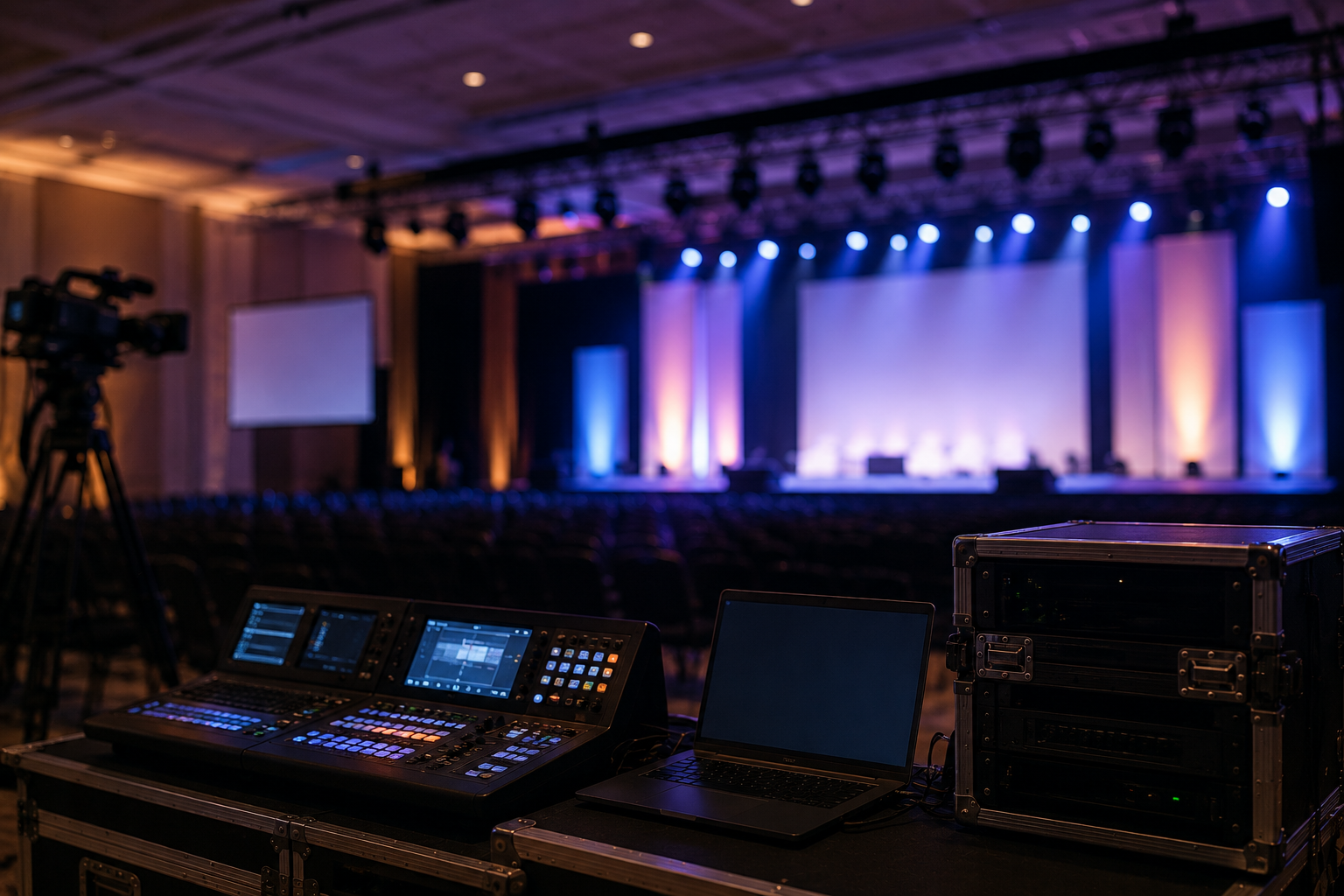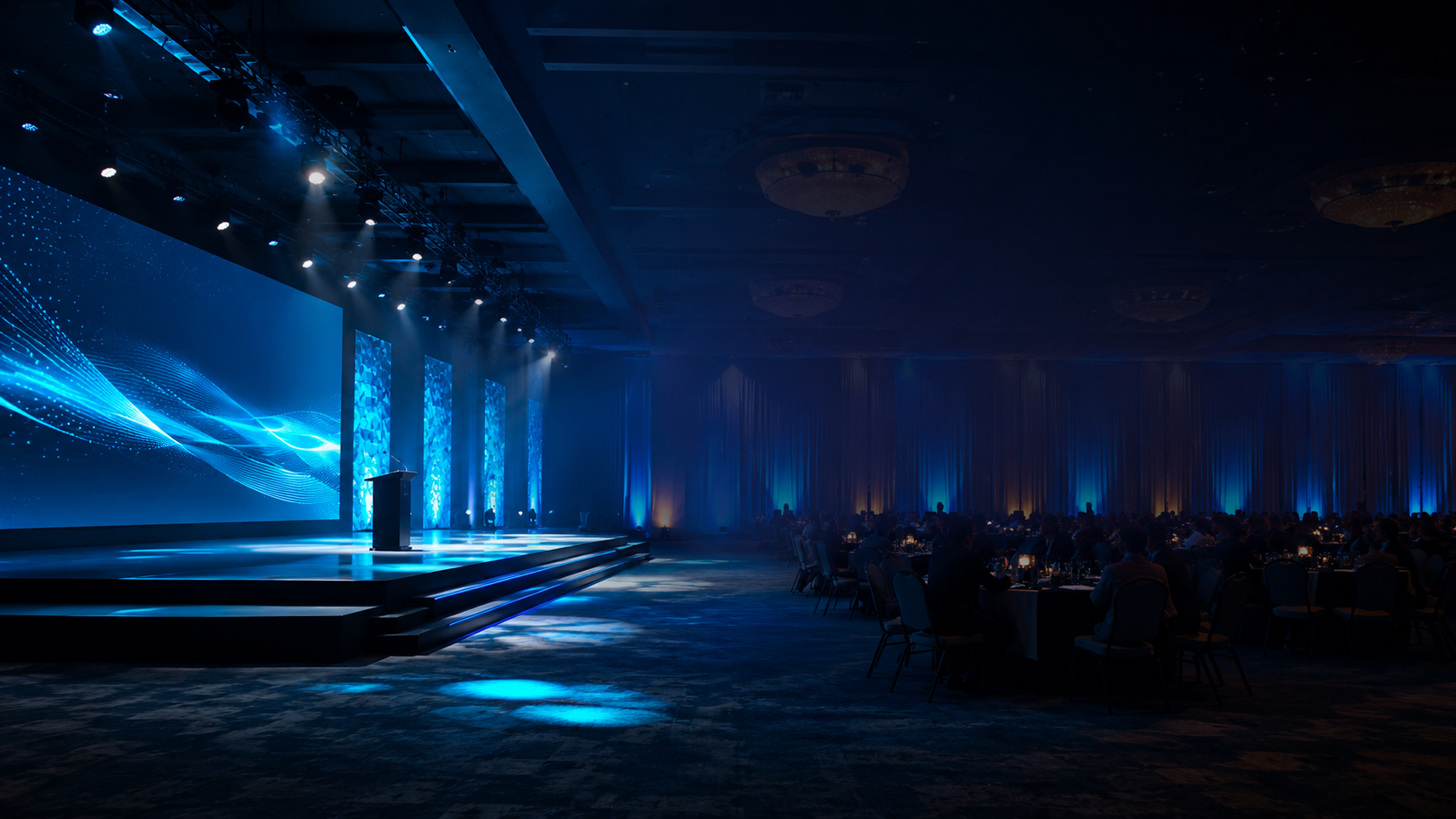
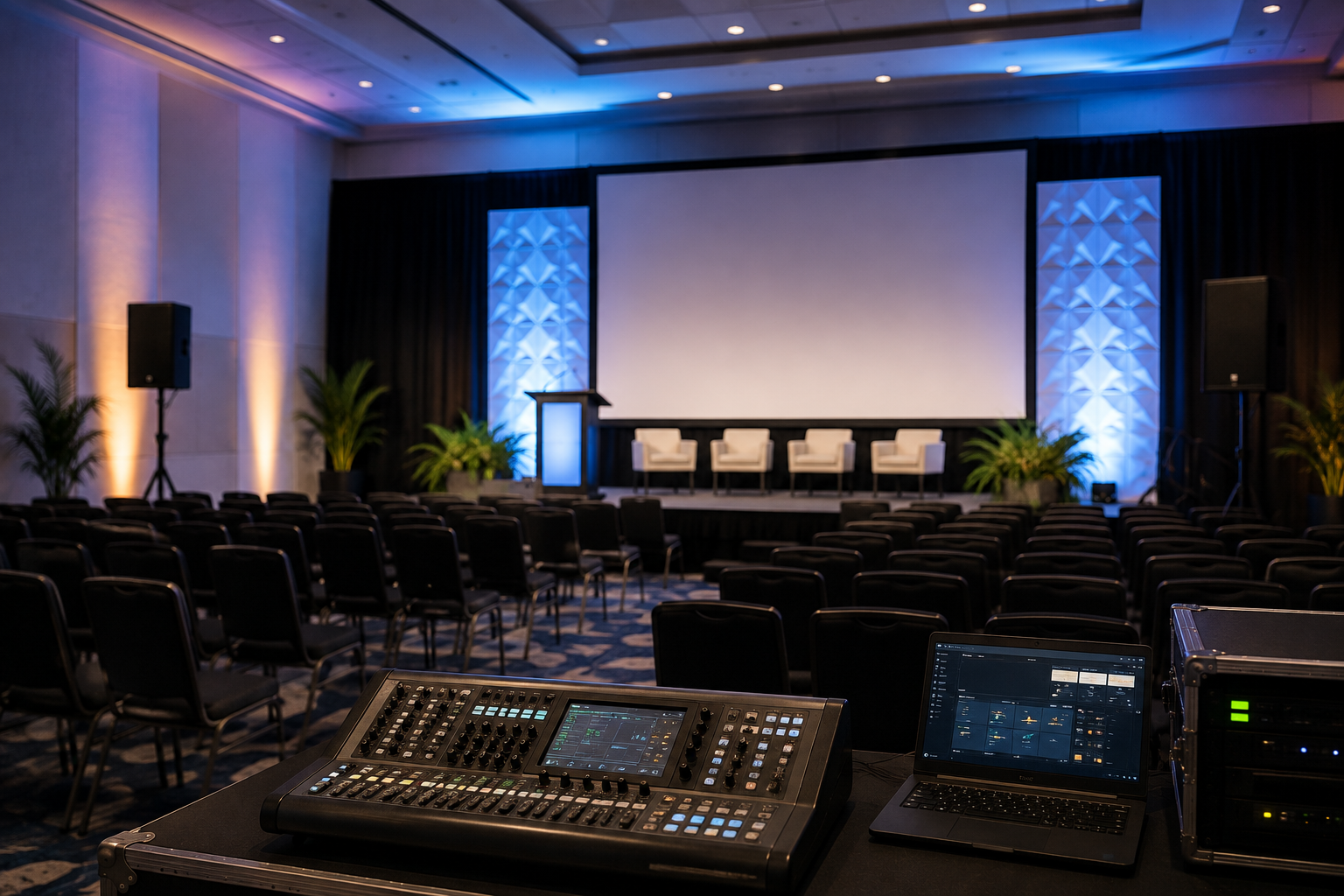
Audiovisual production can have a major influence on how a corporate event is experienced.
A great presentation can lose its impact if attendees can’t hear the speaker clearly.
Important content can become difficult to follow if screens are too small.
And even a well-designed venue can feel unfinished without appropriate lighting.
The challenge is that there isn’t one AV setup that works for every corporate event.
The right solution depends on the audience, venue, program, content, and objectives.
Here are some of the most important considerations when planning your next event.
1. Start With the Size of Your Audience
Audience size is one of the first factors to consider.
A meeting for 40 people has very different audiovisual requirements from a conference for 1,000 attendees.
As the audience grows, several things become more important.
Guests need to hear clearly throughout a larger space.
Presentation screens need to remain visible from greater distances.
Additional displays may be necessary.
Lighting coverage becomes more complex.
Camera and video reinforcement may also become important.
However, audience size shouldn’t be considered by itself.
The room layout matters just as much.
2. Consider the Shape of the Venue
Two venues with the same capacity can require completely different production designs.
A long ballroom may require additional screens so attendees at the back can see presentation content.
A wide room may require multiple display positions.
A venue with low ceilings may limit certain lighting or scenic options.
Columns or architectural features can also create sightline challenges.
Before deciding on equipment, consider:
- Room dimensions
- Ceiling height
- Seating layout
- Stage location
- Audience sightlines
- Rigging points
- Electrical power
- Loading access
- Production control location
Understanding the room helps the production team design around the venue rather than trying to force a standard setup into the space.
3. Make Sure Everyone Can Hear Clearly
Audio is one of the most important parts of almost every corporate event.
If the audience can’t hear, the rest of the production becomes far less valuable.
Audio planning should consider both the room and the program.
A keynote presentation might require:
- Wireless lavalier microphone
- Handheld backup microphone
- Presentation audio playback
- Stage monitors
- Audience speaker system
A panel discussion may require several microphones and more complex mixing.
An awards ceremony might add walk-on music, announcement microphones, video playback, and entertainment.
The goal should always be consistent, intelligible sound throughout the audience area.
4. Choose Displays Based on Viewing Distance
One of the most common event-production mistakes is selecting displays without considering how far away the audience will be.
A screen that looks large during planning can feel surprisingly small from the back of a ballroom.
When choosing displays, consider:
- Screen dimensions
- Audience distance
- Content type
- Font sizes
- Room lighting
- Stage dimensions
- Number of attendees
For larger audiences, additional displays can help ensure everyone has a clear view.
Live camera feeds can also be used so attendees farther from the stage can see speakers and demonstrations more clearly.
5. Think About the Content Before Choosing the Screen
The type of content being displayed matters.
If the event mainly uses presentation slides with large images and limited text, the requirements may be relatively straightforward.
If attendees need to read detailed charts, financial information, schedules, or technical diagrams, screen size and resolution become more important.
Presentation content should ideally be designed with the actual event environment in mind.
Small fonts that look perfectly readable on a laptop may become difficult to read from across a large venue.
6. Don’t Treat Lighting as an Afterthought
Corporate event lighting doesn’t need to feel theatrical.
But it does need to be intentional.
Good lighting helps speakers look professional, improves camera images, supports branding, and creates atmosphere throughout the room.
A corporate event might combine:
- Stage wash lighting
- Speaker lighting
- Branded colors
- Architectural uplighting
- Scenic lighting
- Intelligent fixtures
- Audience lighting
- Accent lighting
Lighting can also help visually transition the room between different parts of the event.
A daytime conference environment can become an evening awards or networking experience without changing venues.
7. Plan the Stage Around the Program
Before designing a stage, understand what will happen on it.
Will there be one keynote speaker?
A panel of six people?
Awards presentations?
Product demonstrations?
Entertainment?
Executive interviews?
Different program formats require different stage layouts.
For example, a panel discussion needs enough space for seating, microphones, monitors, and safe movement.
An awards ceremony may require multiple entrance and exit points.
A product demonstration may require additional equipment or floor space.
Stage design should support the program rather than simply provide a visually attractive background.
8. Consider Whether You Need Cameras
Cameras aren’t only for recording or streaming an event.
At larger events, they can significantly improve the in-room audience experience.
Live camera feeds displayed on screens allow attendees to see speakers more clearly.
This is often called image magnification or IMAG.
Cameras can also capture:
- Keynote presentations
- Panel discussions
- Audience reactions
- Product demonstrations
- Awards
- Entertainment
If the content will be used after the event, recording requirements should be discussed during planning rather than added at the last minute.
9. Plan for Presentations and Playback
Corporate events frequently involve multiple presenters, presentation files, videos, and last-minute content changes.
Having a clear presentation workflow can prevent delays during the event.
Before show day, determine:
- Who provides presentation files
- Which file formats will be accepted
- Who advances slides
- Whether presenters use confidence monitors
- Whether videos contain audio
- How last-minute changes will be handled
- Whether backup presentation computers are available
These details may seem small, but they can have a significant impact during a live program.
10. Bring Your Production Team Into the Process Early
One of the best ways to improve event production is to involve the technical team before major decisions are finalized.
Early conversations can help identify technical requirements, venue limitations, creative opportunities, and potential budget considerations.
It is much easier to solve a production challenge during planning than during event setup.
Early collaboration also gives the production team more opportunity to recommend solutions that support the event’s overall objectives.
The Right AV Setup Is the One That Supports the Event
A successful AV setup isn’t defined by how much technology is in the room.
It is defined by how effectively that technology supports the event.
Guests should hear clearly.
They should see important content.
Speakers should feel confident.
Transitions should feel natural.
And the technology should support the event without distracting from it.
At Acuity Event Productions, we approach audiovisual production as part of the complete event experience—bringing audio, video, lighting, staging, and technical planning together around the needs of each event.
Planning Your Next Corporate Event?
Every venue, audience, and program presents different production requirements.
Contact Acuity Event Productions to discuss your upcoming corporate event and explore an audiovisual production approach designed around your specific needs.